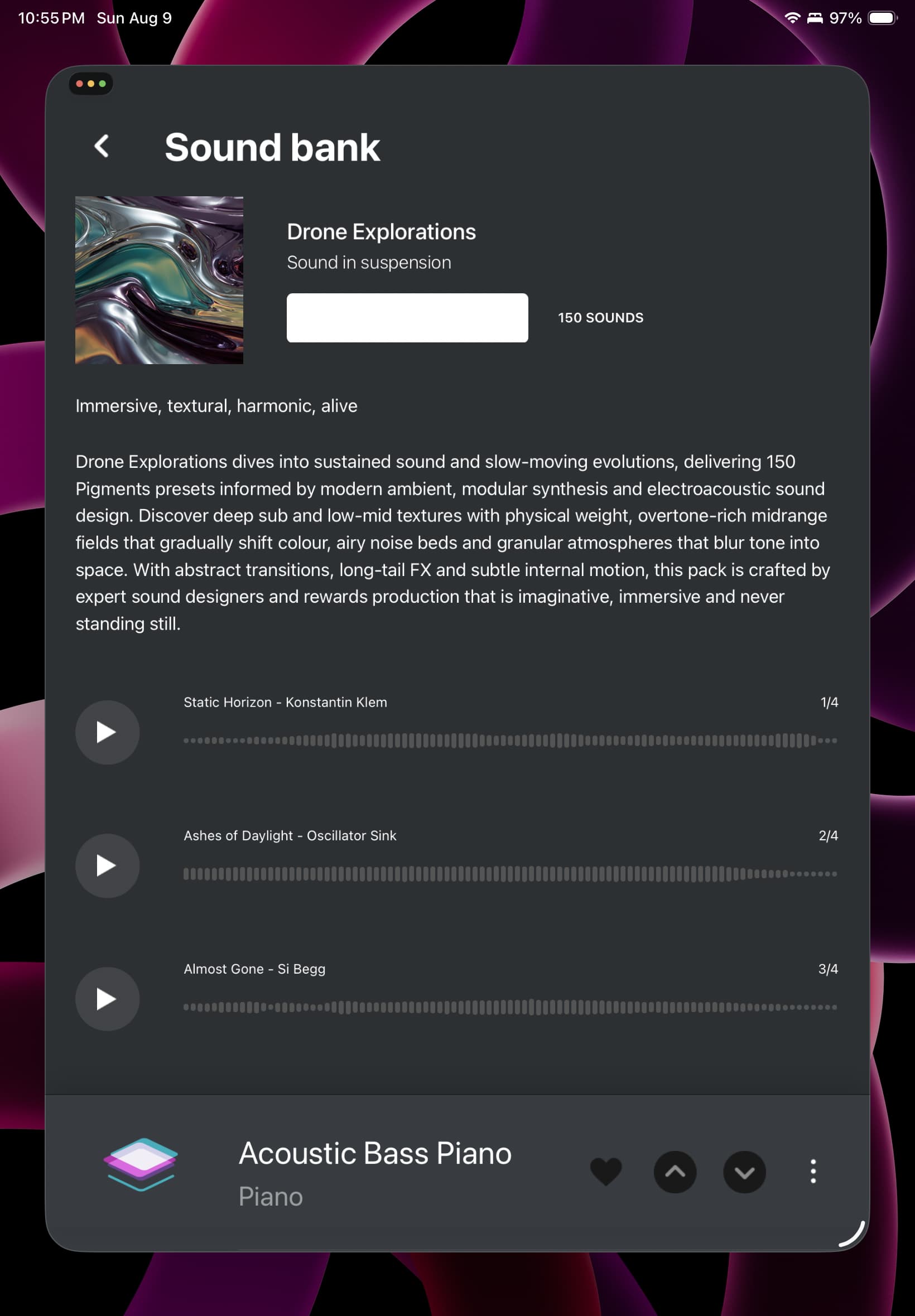
Apparently, these issues have never really been properly addressed. A shame, because the AstroLab really is a nice unit (a few other caveats aside). I’m struggling with much the same trouble as others here, and while I can occasionally get a connection, I’m unable to get Sound Banks to install from the store using the app. I’ve been looking at the attached screen on my iPad Air 5 for the past three hours. The status box did say “Installing” and then went white some time ago.
I have written a fairly pointed message to support, and am awaiting a response.
I am of the opinion that the app, and over-the-air WiFi Sound Bank installation is really not ready for prime time, and probably never will be. My thought is that, if AstroLab is the hardware component of Analog Lab, then these operations should be performed within Analog Lab, employing a reliable USB connection. I have made this suggestion to Arturia Support. I suppose another option would be to allow the AstroLab Connect app to communicate via the devices USB port.
The app is fine for “live” functions, such as set list control and management, but not for more intense functions.
Despite its caveats, I have quickly come to really like the instrument. It would be a shame to have to return it over an issue that should have been fixed years ago.
Actually, there was another update (1.0.12) that fixed the display issue on iPhones described aboved, and also improved the communication with AstroLab (with the latest firmware 1.7.0).
It works on pretty much any 2.4GHz channel, but 5GHz is only compatible with Band-A (channels 36, 40 , 44, 48).
One known issue remains (and I believe it is being addressed), is the failed connection/sync when there are many extra sound banks and samples stored in AstroLab.
Of course, always keep in mind that AstroLab Connect cannot sync to AstroLab if it is already linked to Analog Lab, and vice-versa.
I use it (with 4-year old mid-range Android 12 phone) and have installed several optional banks without issues.
Not sure what is happening with your iPad Air. Hopefully, Arturia Support can help you.
It is possible to transfer sound banks from Analog Lab to AstroLab via USB, but they have to be downloaded into Analog Lab first.
For some reason, I’m just seeing this today. Michelle has been able to help me with most of my troubles, at least partially.
Part of the trouble with the AstroLab, for me, is its need to connect to both the Arturia “store” and to the AstroLab. My iPad doesn’t have cellular connectivity, and cellular at my location is poor at best. Since I’m still having difficulties using my network WiFi to connect to the AstroLab (which may be related to a DNS issue that I may have cleared up over the weekend), using the iPad had become a non-started. I was able to get my iPhone to do the job, but it was reluctant to actually do It. Large banks took hours (literally) or failed altogether. Since I’ve made the network settings modifications, I’ll go back and try the app again on my local WiFi and see if the situation improves.
Transfer to the AstroLab directly from Analog Lab is indeed possible – Michelle was able to help me with that. It works in a way that was exactly not what I was expecting. To me, the documentation was unclear. I was expecting to be able to simply drag a Bank from within Analog Lab to the Library on the AstroLab. I’d assumed that I would have to had to have the bank downloaded to Analog Lab already.
In my conversations with Michelle, I also provided some thoughts on user experience that might make things easier for old fuddy-duddies like me, and she’s passing my thoughts along to the development team.